Create a property report
Choose a report type, add findings and evidence photos, then export the finished report as a PDF.
Interactive property report generator
Write a property report and generate a PDF, or upload an existing survey. Give readers an interactive view with findings and original photos they can open.
Explore a sample reportFrom the Shackleford sample
Sample survey
A look at the evidence extracted from the Shackleford Cottage PDF.
Features
Write the report in the workspace or bring a PDF you already have.
Choose a report type, add findings and evidence photos, then export the finished report as a PDF.
Open a finding to see the associated photos and notes. Where a point is mapped, see the feature it refers to.
Read the surveyor’s wording, see its page number and open the original PDF.
Upload a survey PDF, review the passages and photos it contains, then open it as an interactive report.
Interactions
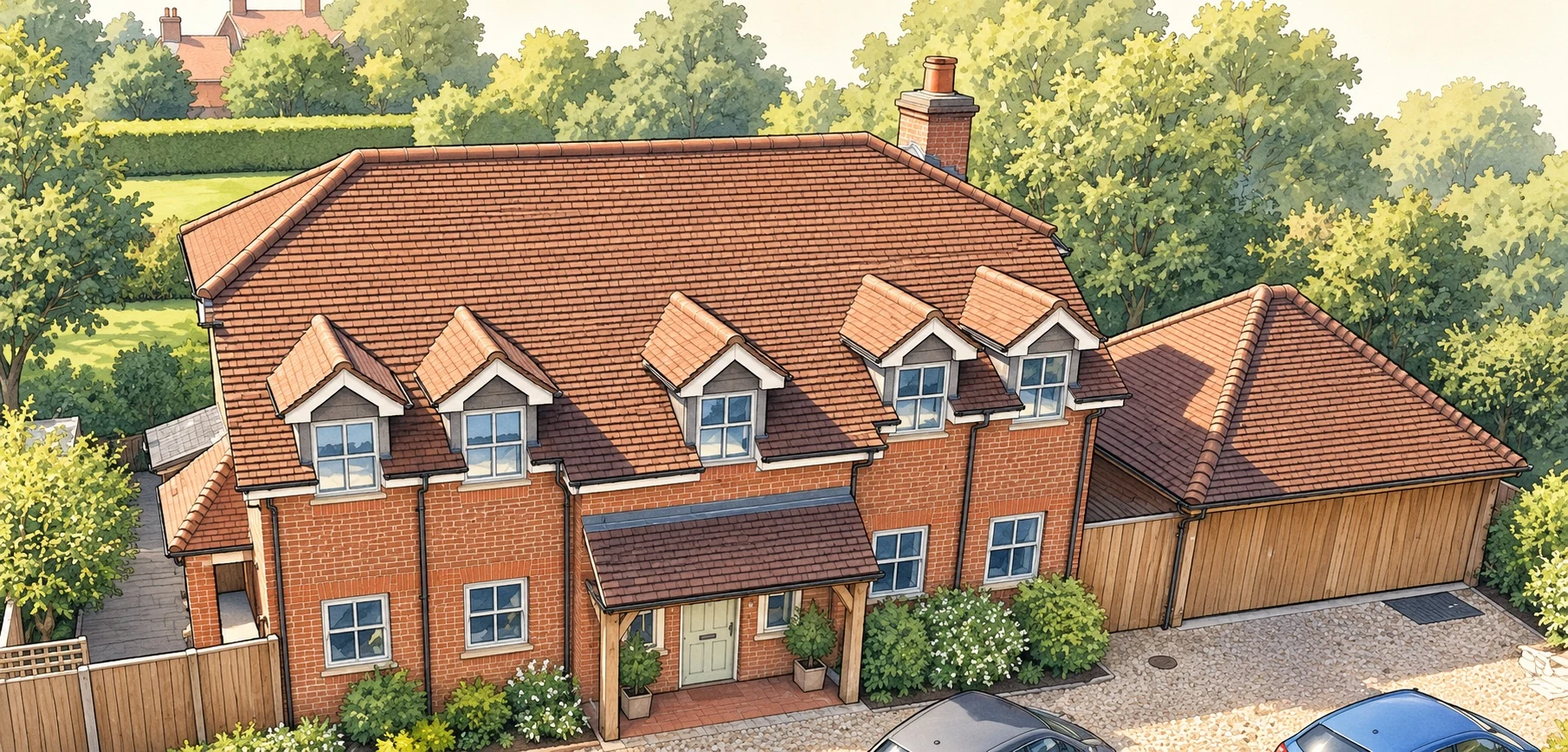
Select the chimney on the schematic to see how a finding opens in the viewer.
Workflow
Explore property views, open findings and follow them back to their source evidence.
Cracking is recorded in the mortar around the chimney pot.
Workspace preview
Preview both ways to start, or open a prepared interactive report.
From the report
Excerpts from the Shackleford Cottage sample survey.
“The cement flaunching around the chimney pot is weathered and extensively cracked, with moss and lichen growth.”
“Staining was noted around the perimeter of the roof lantern.”
“Localised missing and deteriorating mortar pointing was noted at the base of the extension walls beside the double doors.”
“Routine adjustment and lubrication of the hinges and locking mechanisms are recommended, although this is not urgent.”